
- Launched
- Oct 18, 2026
- Website
- videobgremover.net
- Pricing
- Paid
- Platforms
- Web, API
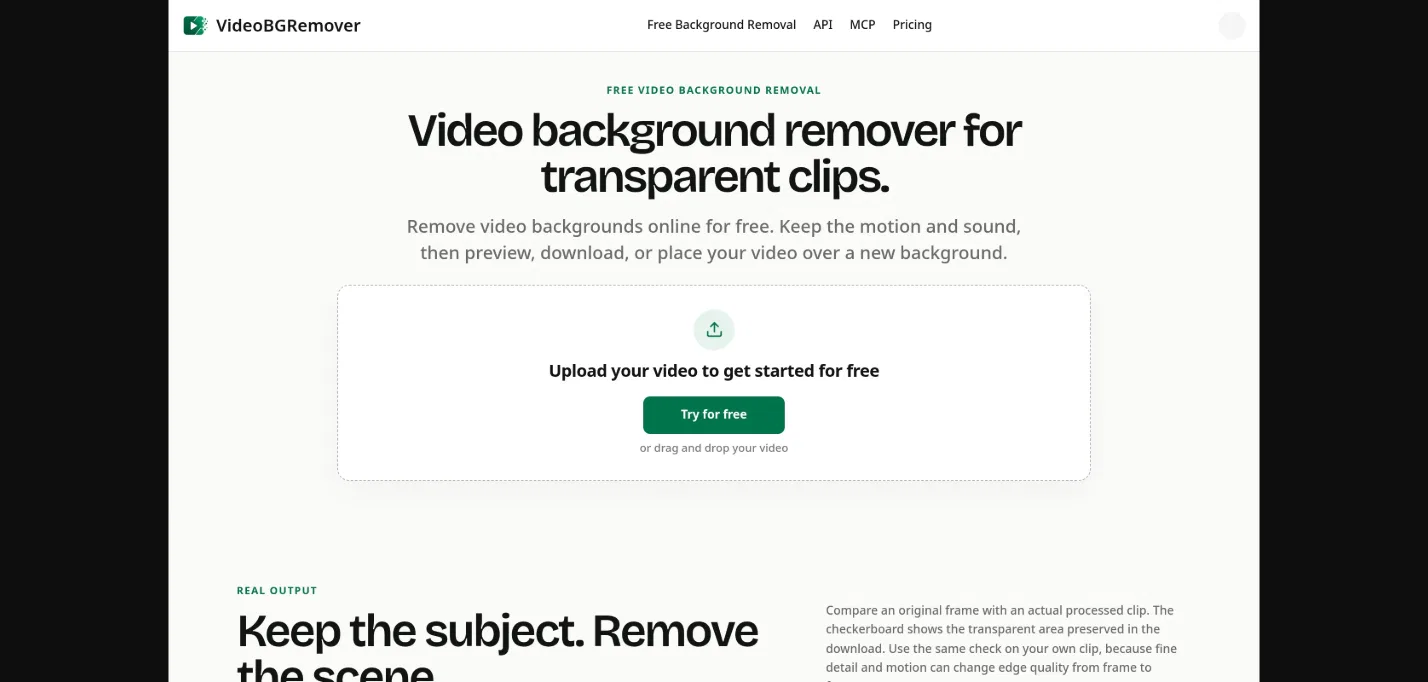
VideoBGRemover removes backgrounds from recorded clips in a browser without a green screen. Creators can export transparent WebM, create background MP4 videos and use eligible ProRes MOV exports, while retaining original audio. A free trial is available, with subscriptions and credit packs for more processing. Developers can connect the documented REST API and remote HTTP MCP for asynchronous jobs with approved credit budgets. The API and MCP have separate video limits from the website editor.
What VideoBGRemover does
- Video background removal: Separate a clearly visible subject from an ordinary room, office or outdoor scene without drawing masks frame by frame.
- Motion and audio preservation: Create a transparent video while keeping the subject’s movement and expected source audio.
- Preview before export: Compare the source and result, then inspect the subject over a checkerboard, solid color or your own image.
- Multiple export formats: Download transparent VP9 WebM, eligible ProRes 4444 MOV, or a composited MP4.
- Background processing: Jobs continue after the page is closed; return with the same account to review the saved result.
- REST API and MCP: Upload, process, track and download transparent video through the REST API or remote HTTP MCP.
Who it's for
People creating talking-head videos, product demos, tutorials, explainers, marketing creative and reusable web or editing assets.
Why people use VideoBGRemover
Recorded video often includes a room, office or outdoor scene that does not fit the intended page, layout or edit.
The service separates the visible subject from the recorded scene, lets users review the result, and exports it transparently or with a chosen solid or still-image background.
It keeps motion and expected source audio together, offers preview-before-download workflows, and does not require a green screen or frame-by-frame masks.
Pricing
VideoBGRemover is a paid product. Its website has the current prices.
Platforms
VideoBGRemover runs on Web, API.
VideoBGRemover FAQ
- Do I need a green screen?
- No. The tool is designed for ordinary video backgrounds. A clearly visible subject, useful contrast and limited motion blur can help produce a cleaner result.
- Which video formats can I upload?
- MP4, MOV and WebM files encoded with H.264, HEVC or VP9 are supported.
- Can I remove a video background for free?
- A free trial is available for new users. Monthly subscriptions and credit packs support more processing; check the current pricing page for allowances.
- Will the transparent result keep my audio?
- The processing request preserves audio. When the source contains audio, the completed transparent master is checked for the expected audio.
- What can I download?
- The website editor supports transparent VP9 WebM, eligible ProRes 4444 MOV and composited MP4 exports. Check the current export options for availability.
- Can I replace the background instead of making it transparent?
- Yes. Preview the processed subject over a solid color or your own JPG, PNG or WebP image, then create a composited MP4. Dynamic video backgrounds are not currently supported.
- Can I close the page while processing?
- Yes. Once processing has started, it continues in the background. Return with the same account to check its status and review the result.
VideoBGRemover launched on IndieLaunch on October 18, 2026 in AI Tools, Design Tools, Content Creation. Visit VideoBGRemover
New to these terms? Read what Free trial, SaaS and Customer lifetime value mean.
VideoBGRemover alternatives
 VellmTurn photos of people and pets into short AI videos
 BeautifulScreenshotsBeautify screenshots for creators and marketers
 ReelBoopTurn your photos into dance, outfit-change and product videos with AI.
 Image2Image AIRestyle photos, develop sketches and explore materials with image to image AI.
 ClipkaiAI video generator and AI photo editor: text/image to video and one-click photo
Discussion(0)
Sign in to leave feedback for the maker.
Log inNo comments yet
Be the first to give the maker feedback.