
WhitelistVideo
YouTube parental controls for children who have outgrown YouTube Kids
- Launched
- Oct 27, 2026
- Website
- whitelist.video
- Pricing
- Paid
- Platforms
- Web, iOS, Android, Windows, macOS, Chrome extension
- Based in
- India
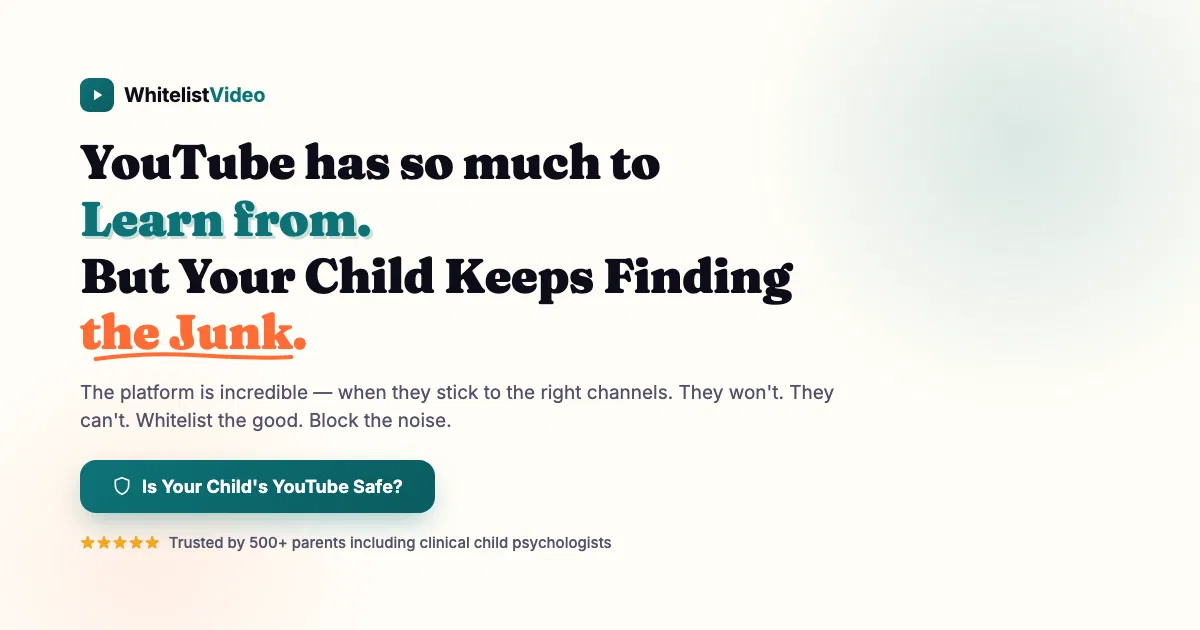
Parent-controlled YouTube filter. Custom whitelists, Auto-pilot screening, Shorts blocking. Manage via WhatsApp & Telegram AI chat. on bad words and religion. Works on Windows, Mac, Chromebook, iPhone, iPad, Android and Android TV.
What WhitelistVideo does
- Channel whitelisting: Approve complete YouTube channels so children can watch only content from channels parents allow.
- Auto-pilot screening: Premium and Lifetime plans screen videos against selected categories and appropriateness settings before playback.
- Curated Feed mode: On Android devices and Android TV, show a grid of approved videos without search, recommendations or the standard YouTube interface.
- Requests and approvals: Children can request channels, while parents approve requests from the app, WhatsApp or Telegram.
- Cross-device protection: Use one child profile and synchronized approvals across computers, phones, tablets and supported TV devices.
- YouTube controls: Block Shorts by default, hide comments, block downloads and use channel or keyword blocklists.
Who it's for
Parents of children ages 8–15 who have outgrown YouTube Kids but still need oversight, especially families using multiple device types.
Why people use WhitelistVideo
Parents need to let children access real YouTube without exposing them to unapproved videos or relying only on broad blacklist filtering.
WhitelistVideo blocks YouTube by default and permits approved channels, playlists or screened categories. Parents can manage rules across devices and receive alerts.
It combines channel-level YouTube whitelisting with a curated-feed option, device-level enforcement and parent management through WhatsApp or Telegram.
Pricing
WhitelistVideo is a paid product, starting at $6.99/mo per month.
Platforms
WhitelistVideo runs on Web, iOS, Android, Windows, macOS, Chrome extension.
WhitelistVideo FAQ
- How does WhitelistVideo work?
- It blocks all YouTube videos by default and lets parents approve specific channels. Children can watch only content from approved channels unless a parent enables other supported filtering options.
- What devices does it support?
- Child protection is available on Windows and Mac with Chrome or Edge, Chromebooks with Chrome, iPhone and iPad, Android phones and tablets, and Android TV. Parents can use the web dashboard or supported parent apps.
- Is there a free trial?
- Every new account gets a free two-hour test period with full Premium features for one child. No credit card is required, and the timer starts when the first child device is activated.
- Can parents manage settings without opening the dashboard?
- Yes. Parents can manage settings, channels, devices, playlists, categories, alerts and other controls through WhatsApp or Telegram.
- Can children request new channels?
- Yes. Children can request channels from the app, and parents can approve or deny requests from the app, WhatsApp or Telegram.
- Can it block YouTube Shorts?
- Yes. Shorts are blocked by default on every plan, and parents can turn them on from the dashboard.
- Does it support multiple children and devices?
- Yes. Parents can create a separate profile for each child and connect multiple devices to the same child profile, with approvals synchronized across activated devices.
WhitelistVideo launched on IndieLaunch on October 27, 2026 in AI Tools, Education, Security & Privacy. Visit WhitelistVideo
New to these terms? Read what SaaS and Customer lifetime value mean.
WhitelistVideo alternatives
 UrbanCacheEmergency kits held in five cities for members away from home
 VideoifyTurn any image into video with AI, no watermark
 Stones to CastleTurn one selfie into the viral Stones to Castle AI video
 MetaMuse FAQIndependent Meta Muse FAQ: Free/Power/Maximum pricing—not affiliated with Meta.
 Best AI VideoCompare AI video tools by the specs that matter
Discussion(0)
Sign in to leave feedback for the maker.
Log inNo comments yet
Be the first to give the maker feedback.