
- Launched
- Oct 18, 2026
- Website
- yapapp.cc
- Pricing
- Open source
- Platforms
- macOS, Windows, Android, iOS
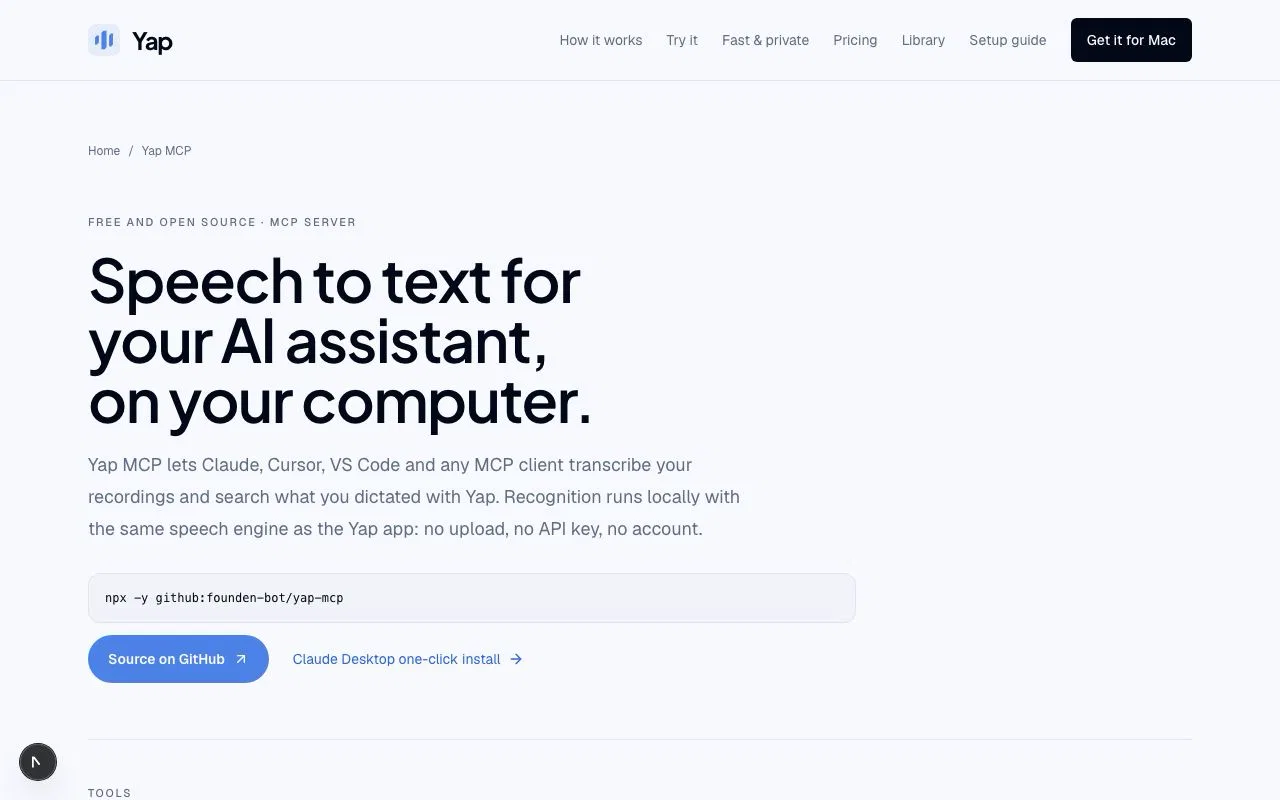
Yap MCP is a free, open-source MCP server (MIT) for Claude, Cursor, VS Code and any MCP client. It transcribes local audio and video files on your own computer with NVIDIA Parakeet TDT v3, detects 25 European languages and offers optional timestamps. No upload, no API key and no account. Runs on macOS, Windows and Linux with Node.js 20 or later. Source: https://github.com/founden-bot/yap-mcp
What Yap MCP does
- On-device dictation: Transcribes speech on the device; audio is not uploaded or saved as audio.
- Dictate into any app: Inserts spoken text wherever the cursor is, including email, chats, documents, AI tools, notes and code.
- Automatic language detection: Detects the language from each recording and supports 25 languages on the upgraded Mac engine.
- Hands-free recording: Hold the shortcut to speak, or lock recording with the shortcut for longer dictation.
- Local history: Keeps completed transcripts in local history so they can be copied or deleted on the device.
- Mobile keyboard: The Yap keyboard provides private dictation in every app on Android and iPhone.
Who it's for
People who write in email, messaging, documents, AI tools, notes or code and want to dictate instead of type.
Why people use Yap MCP
Typing can be slower or uncomfortable, especially for long messages, drafts, prompts and code-related instructions.
Yap lets users hold a shortcut, speak naturally and insert punctuated text directly into the app where the cursor is.
Yap says speech recognition and transcripts stay on the device, rather than being uploaded to a transcription service.
Pricing
Yap MCP is open source, with paid plans from $69/year.
Platforms
Yap MCP runs on macOS, Windows, Android, iOS.
Yap MCP FAQ
- What devices does Yap support?
- Yap supports Apple silicon Macs, Windows 10 or 11 64-bit PCs, Android 10 or later, and iPhone with iOS 17 or later. The iPhone version is a public TestFlight beta.
- Does my voice leave my device?
- No. Recordings are transcribed on the device and are not uploaded or saved as audio. Dictation history stays on the device until deleted.
- How does dictation work?
- Place the cursor where the text should go, hold the shortcut and speak, then release it. Yap writes the result into the app you are using.
- Is there a free trial?
- A new account gets 3 free days without a card. Continuing requires a 10-day trial with a card on either paid plan.
- How much does Yap cost?
- The monthly plan is $6.90 per month. The yearly plan is $69 per year.
- Can Yap work offline?
- After the speech model is downloaded, dictation works offline. Internet is required for first launch, activation and periodic access checks; offline access lasts up to 24 hours within the active free, trial or paid period.
Yap MCP launched on IndieLaunch on October 18, 2026 in Developer Tools. Visit Yap MCP
New to these terms? Read what Side project and Tech stack mean.
Yap MCP alternatives
 PteroFree, no-signup AI chat with multiple models for developers and creators
 PloyzDeploy apps to your own Linux servers without paying per server
 Agent BarnSelf-hosted AI agents for team workflows across tools and chat
 RoxiFast proxy subscriptions with a free daily tier
 MCPALLFind the right MCP server for your workflow.
Discussion(0)
Sign in to leave feedback for the maker.
Log inNo comments yet
Be the first to give the maker feedback.