
SVG to Lottie Converter
Turn static SVG files into Lottie JSON in your browser
- Launched
- Oct 30, 2026
- Website
- svg-to-lottie.com
- Pricing
- Free
- Platforms
- Web
- Based in
- United States
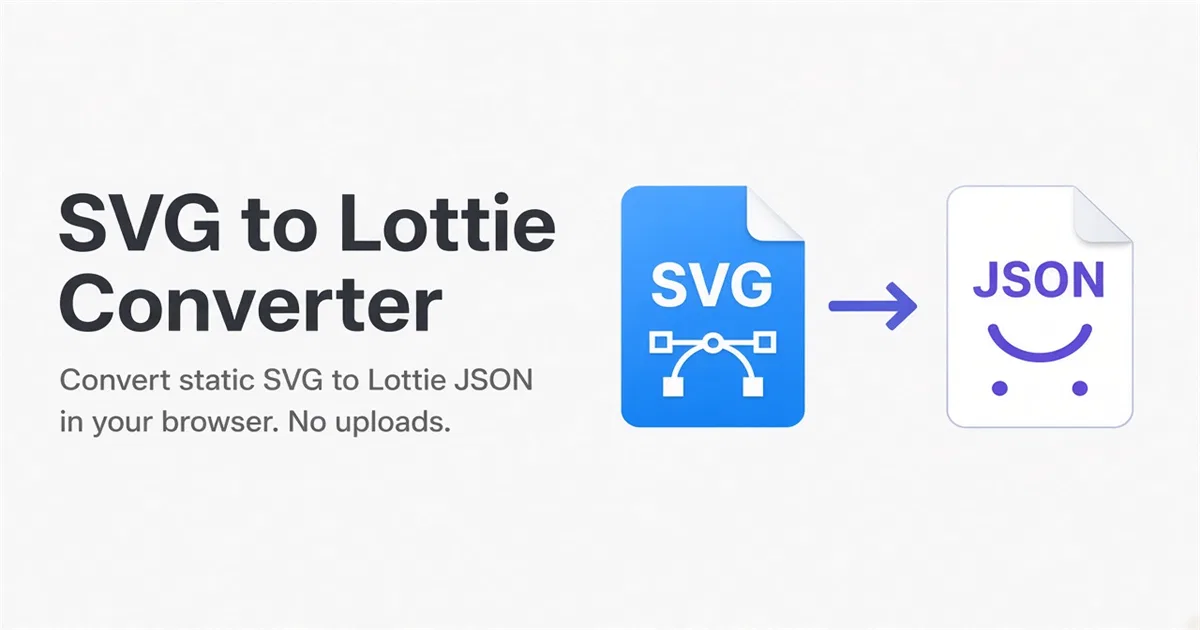
Local SVG to Lottie JSON. Free.
What SVG to Lottie Converter does
- Local conversion: Converts SVG files locally in the browser; files never leave the device.
- Static SVG support: Accepts a single static SVG up to 2MB; basic vector shapes convert best.
- Instant preview: Shows the original drawing next to the Lottie result before export.
- JSON export: Copy the JSON or download it as output.json for use in Lottie Player, web apps, or mobile SDKs.
Who it's for
Designers, developers, and anyone who needs to convert static SVG icons, logos, or simple vector illustrations for Lottie Player, web apps, or mobile apps.
Why people use SVG to Lottie Converter
Static SVG artwork is not directly available as a player-ready Lottie JSON file, and hosted importers may be unsuitable for proprietary designs.
It converts one static SVG locally in the browser, previews the result, and lets users copy or download the resulting Lottie JSON.
Conversion happens entirely in the browser: SVG files are not uploaded, stored, or received by the service.
Pricing
SVG to Lottie Converter is free to use.
Platforms
SVG to Lottie Converter runs on Web.
SVG to Lottie Converter FAQ
- Is my SVG uploaded to your server?
- No. Conversion runs locally in the browser. SVG files are never uploaded, stored, or received.
- What kind of SVG files can I convert?
- The converter accepts one static SVG file up to 2MB. Paths, rectangles, circles, ellipses, lines, and polygons convert best.
- Why did conversion fail for my SVG?
- The file may be over 2MB, invalid, or contain complex filters or external assets such as remote images, scripts, or embedded HTML. Simplify it to native vector shapes.
- Does the Lottie JSON include animation keyframes?
- No motion keyframes are invented from the SVG. The converter wraps static SVG shapes into Lottie JSON; use a Lottie editor for custom motion.
- How do I use the downloaded JSON?
- Copy the JSON or download output.json, then load it in Lottie Player, lottie-web, or a mobile Lottie SDK.
- Is this SVG to Lottie converter free?
- Yes. It is free with no signup. The stated limit is one static SVG file up to 2MB.
SVG to Lottie Converter launched on IndieLaunch on October 30, 2026 in Developer Tools, Design Tools. Visit SVG to Lottie Converter
New to these terms? Read what Side project and Indie hacker mean.
SVG to Lottie Converter alternatives
 BeadDraftFree bead pattern maker: photo or text to a printable chart
 AI Icon CreatorAI app icon generator with 20+ curated styles
 Court RulesFree U.S. court rules, judge orders and deadline calculator
 QuickVectorInstant in-browser SVG/DXF vectorizer for Cricut & laser cutters.
 TrendingDevToolsFree directory to discover trending dev tools, AI tools and SaaS
Discussion(0)
Sign in to leave feedback for the maker.
Log inNo comments yet
Be the first to give the maker feedback.