
Bad Quality Image Maker
Make any image look intentionally bad — blurry, pixelated, or deep fried.
- Launched
- Oct 25, 2026
- Website
- badqualityimagemaker.com
- Pricing
- Free
- Platforms
- Web
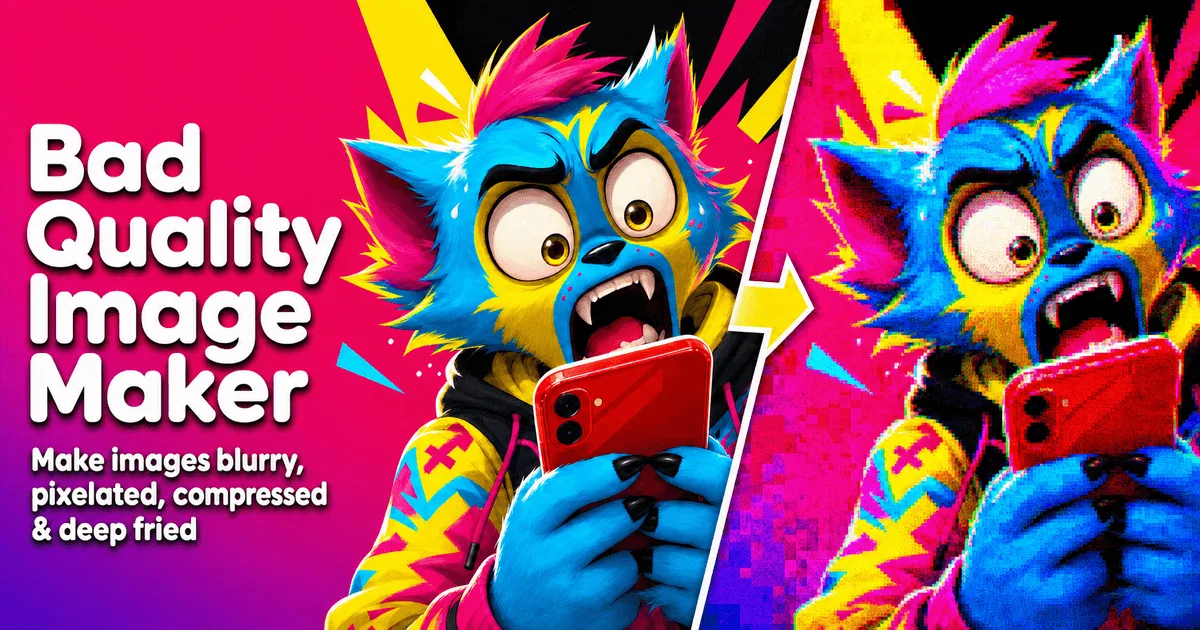
A free browser tool that makes images look deliberately worse. Upload a photo, choose Lower quality, Blurry, Pixelated, or Deep fried, adjust the strength, and download the JPG. No signup, no watermark, and nothing uploaded to a server — the file stays on your device.
What Bad Quality Image Maker does
- Five image degradation looks: Choose Lower quality, Blurry, Pixelated, Shared many times, or Deep fried.
- Adjustable strength: Set how strongly the selected look changes the image.
- Detailed image controls: Adjust JPEG quality, output scale, pixel size, blur, saturation, contrast, and noise.
- Before-and-after comparison: Compare the original and result with a draggable view on mobile or side-by-side on desktop.
- Multiple input and output formats: Open PNG, JPG, or WebP files and download the result as JPG, PNG, or WebP.
- Local browser processing: Process images in the browser without an account, watermark, or upload to a processing server.
Who it's for
People creating rough-looking photos, reaction images, memes, avatars, screenshots, and casual social posts.
Why people use Bad Quality Image Maker
Clean images can look too polished when a deliberately compressed, blurry, pixelated, forwarded, or over-processed appearance is needed.
The tool provides named degradation looks and adjustable controls so users can create and compare an intentionally low-quality image before downloading it.
It is designed to make images look worse on purpose rather than preserve quality while reducing file size, and processes images locally in the browser.
Pricing
Bad Quality Image Maker is free to use.
Platforms
Bad Quality Image Maker runs on Web.
Bad Quality Image Maker FAQ
- How do I make a picture low quality?
- Upload the picture, choose a look such as Lower quality or Pixelated, move Strength until the damage is visible, then download the result.
- Which image formats can I use?
- The tool accepts JPG, PNG, and WebP input and can download the result as JPG, PNG, or WebP.
- Can I use it on my phone?
- Yes. It works in a modern mobile browser without installing an app or creating an account.
- Does the picture upload to a server?
- No. The preview and JPG are created in the browser, and the page says there is no upload to a processing server.
- Is this the same as compressing an image?
- No. A compressor tries to keep an image looking good while shrinking it. This tool makes the image look worse on purpose.
- Will the download always be smaller than the original?
- No. Heavy noise and contrast can make a JPG larger. The tool shows the original and result file sizes under the preview.
- What is the difference between lowering quality and lowering resolution?
- Lowering JPEG quality removes detail while keeping similar dimensions. Lowering output scale makes the picture physically smaller.
- Do I need an account or will there be a watermark?
- No. The page says the tool is free, requires no signup, and adds no watermark.
Bad Quality Image Maker launched on IndieLaunch on October 25, 2026 in Design Tools. Visit Bad Quality Image Maker
New to these terms? Read what Side project and Indie hacker mean.
Bad Quality Image Maker alternatives
 Enhance.PlaceFree AI image upscaler: enlarge photos 2x or 4x
 ihateimg.cv58 free image tools that run in your browser and never upload your files
 FreePassportPicFree passport photo maker — US 2×2 and more, in-browser, no upload, no watermark
 Cutout FreeFree AI background remover with clean, precise edges
 PassportPhoto.appFree passport/visa/ID photo maker. Local, no upload, no watermark.
Discussion(0)
Sign in to leave feedback for the maker.
Log inNo comments yet
Be the first to give the maker feedback.