
EditTextImage
Edit text in finished images without Photoshop or design skills
- Launched
- Nov 9, 2026
- Website
- edittextimage.com
- Pricing
- Freemium
- Platforms
- Web
- Based in
- China
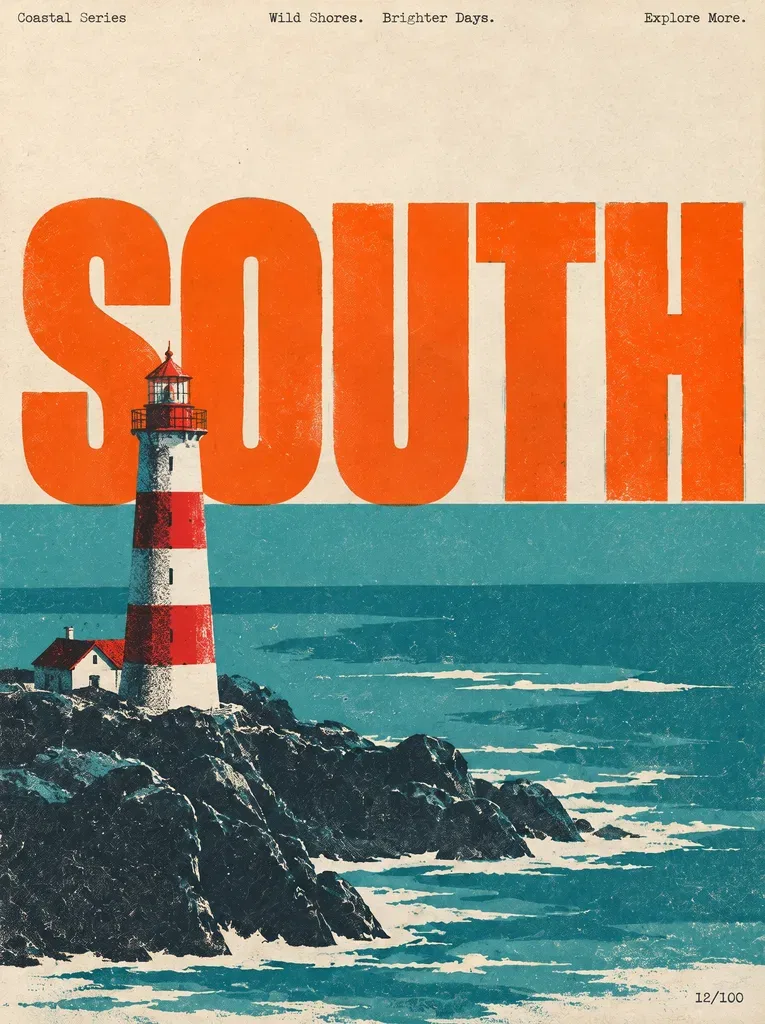
EditTextImage replaces text in existing images while matching the surrounding font, color, size, perspective and background. It is designed for posters, product labels, screenshots, event programs, menus, signs, social graphics and other images with clear text.
Upload a PNG, JPEG or WebP image up to 10 MB, enter the original text and the replacement, then download the result. The browser-based AI redraws the selected text while leaving the rest of the image unchanged. New accounts receive one free credit; paid use is through one-time credit packs.
What EditTextImage does
- Typography-matched replacement: Replaces text while matching the surrounding font, color, size, weight, perspective and background.
- Text removal: Removes words and fills in the background without replacement text.
- Image text translation: Rewrites text in a finished graphic into another language.
- Screenshot and photo editing: Changes text in app screenshots, product photos, posters, signs, menus and other flat images.
- Blur and pixelate text: Hides names and numbers with blur, pixelation or a black box.
- AI image text repair: Corrects garbled or misspelled text in images generated by Midjourney, DALL·E or Stable Diffusion.
Who it's for
Designers, marketers, ecommerce sellers, and anyone who needs to change text in an exported image without rebuilding the original design.
Why people use EditTextImage
Changing one line of text in a finished image can require reopening the source design, identifying the font, rebuilding the layer, or hiring a designer.
Upload the finished image, enter the old and new text, and let the AI replace the words while matching the original typography and background.
It focuses on changing text in existing images while preserving the original font, color, layout, lighting and perspective.
Pricing
EditTextImage is free to start, with paid plans from $14.90 USD as a one-time payment.
Platforms
EditTextImage runs on Web.
EditTextImage FAQ
- How do I edit text in an image online?
- Upload an image, type the original text and its replacement, then click Generate. The AI replaces it while preserving the original font, color, size, perspective and background.
- Can I edit text in an image for free?
- Yes. Every new account gets 1 free credit. The free credit renders one text replacement at 1K, approximately 1024px on the long edge.
- What types of images can I edit?
- Posters, product packaging, screenshots, menus, signs, social media graphics and documents with clear, legible text work well. Handwriting and heavily stylized scripts are harder.
- Do credits expire?
- No. Credits never expire.
- What happens if the result does not look right?
- Failed generations are automatically detected and refunded to the credit balance. You only pay for successful results.
- Can the results be used commercially?
- Yes. Users own full commercial rights to every generated image and may use them in ads, packaging, websites and print materials.
- What file types are supported?
- Uploads are single PNG, JPEG or WebP images up to 10 MB.
- What cannot be edited?
- The service does not support copyrighted work the user does not own, government-issued IDs, official or stamped documents, currency, NSFW content, or edits intended to deceive.
EditTextImage launched on IndieLaunch on November 9, 2026 in AI Tools, Design Tools, Content Creation. Visit EditTextImage
New to these terms? Read what Freemium and Product-led growth mean.
EditTextImage alternatives
 Video Object RemoverRemove burned-in text, subtitles and logos from videos
 MagicRemoverRemove unwanted objects, people and text from photos in your browser
 ImgkitsImgkits is an all-in-one online AI-powered image and video editing platform.
 RetypitEdit text in any image and keep the same font
 GPT-IMGChat GPT image generator for production-ready visuals
Discussion(0)
Sign in to leave feedback for the maker.
Log inNo comments yet
Be the first to give the maker feedback.