
MakeImg
AI image creation and editing for creators and businesses
- Launched
- Nov 10, 2026
- Website
- makeimg.ai
- Pricing
- Freemium
- Platforms
- Web
- Based in
- United States
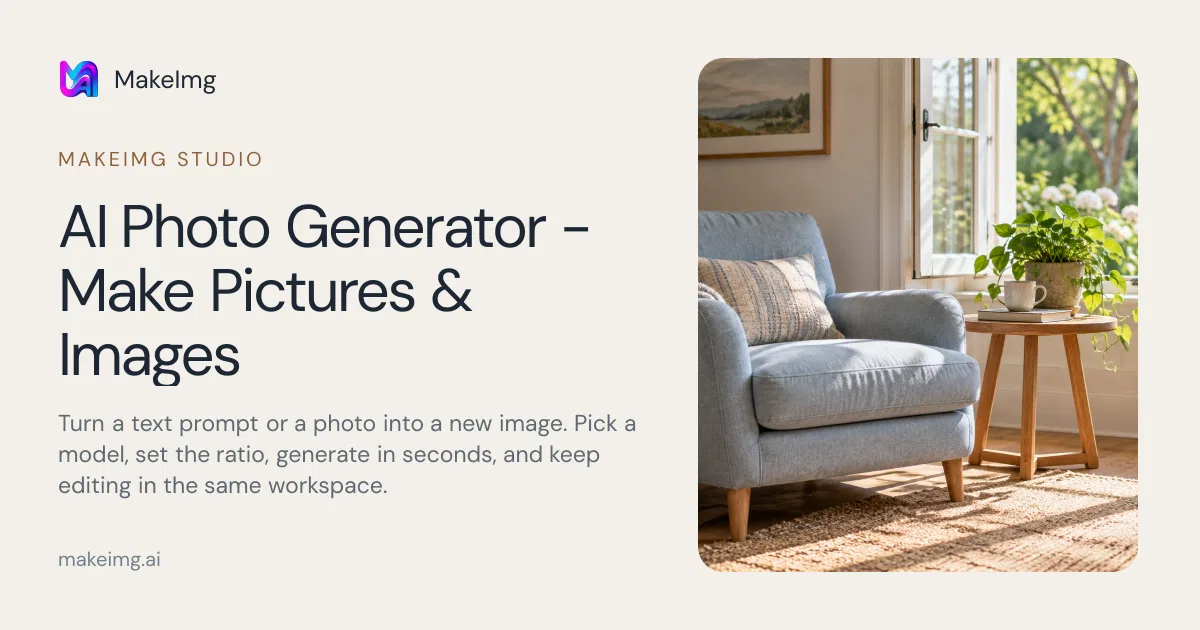
MakeImg is an AI image platform for creating, editing, and enhancing images from text prompts or existing pictures. It brings multiple image models into one workspace, allowing users to choose a model, supported aspect ratio, and input type based on the project.
Users can create product images, campaign visuals, social posts, presentations, portraits, and other visual concepts. Upload a reference photo to restyle or edit it, compare model directions, continue editing a result, and download completed images from the workspace. The platform also includes image-to-image editing, an AI image editor, background removal, and image upscaling. New accounts include free starter credits; paid usage is based on credits and available subscriptions.
What MakeImg does
- Text-to-image generation: Describe a subject, setting, light, and composition to create an image from a written prompt.
- Reference-image editing: Upload a JPG, PNG, or WebP photo and describe what to preserve, change, restyle, or transform.
- Multiple AI models: Choose from public models including GPT Image, Nano Banana, Seedream, FLUX, Imagen, Ideogram, and Midjourney options.
- Image editing and refinement: Edit, inpaint, continue editing, create variations, and compare different model directions in one workspace.
- Background removal and upscaling: Remove backgrounds to create transparent cutouts and increase image resolution while keeping detail sharp.
- Workspace history and downloads: Track task status in My creations, reopen results, and download completed images.
Who it's for
Creators, businesses, marketers, and teams that need generated or edited images for products, campaigns, social posts, presentations, and other projects.
Why people use MakeImg
Creating, editing, and comparing AI images often requires switching between different tools and models, while model choice, input support, aspect ratios, and credit costs vary.
MakeImg puts multiple image models, text and reference-image workflows, editing, refinement, downloads, and credit-cost information in one workspace.
MakeImg brings multiple public image models together behind one interface, so users can compare creative directions and choose a model for quality, speed, or budget.
Pricing
MakeImg is free to start, with paid plans from $13.00/month.
Platforms
MakeImg runs on Web.
MakeImg FAQ
- How do I generate a picture from text?
- Describe the subject, setting, and light, then choose a model and aspect ratio. Sign in and generate, review the result, and adjust the prompt if needed.
- Can I generate an image from my own photo?
- Yes. Upload a JPG, PNG, or WebP photo up to 5 MB, describe what to change and keep, and choose a model that accepts reference images.
- How many starting credits do I get?
- Sign in to see available credits and account rewards. The amount depends on the account and current offers, and the generator shows the cost before submission.
- Can I use images for commercial projects?
- MakeImg supports personal and commercial projects under the applicable terms. Use reference material you have permission to use and check the selected model’s conditions before publishing.
- Which formats and resolutions are supported?
- Reference uploads accept JPG, PNG, and WebP files up to 5 MB. Output format and resolution depend on the model.
- Are credits returned if generation fails?
- Confirmed failed generations return credits automatically. After a browser timeout, check My creations before trying again.
- How do credits work?
- Generations use credits, with costs varying by model, settings, and reference inputs. Subscription allowances refresh monthly, while credit packs remain valid for 365 days.
MakeImg launched on IndieLaunch on November 10, 2026 in AI Tools, Design Tools, Content Creation. Visit MakeImg
New to these terms? Read what Freemium and Product-led growth mean.
Similar products
 Open AI ImageAI image and video creation for marketers, creators, and designers
 Seedance NowAI video and image creation for creators and marketers
 Ozil Goal AITurn one photo into a football goal or fake-rabona video
 MagicRemoverRemove unwanted objects, people and text from photos in your browser
 NotionA connected AI workspace for individuals, teams, and agents
Discussion(0)
Sign in to leave feedback for the maker.
Log inNo comments yet
Be the first to give the maker feedback.