
FinderBuddy
Compress, convert, resize and rename files from the Mac Finder right-click menu
- Launched
- Nov 2, 2026
- Website
- finderbuddy.net
- Pricing
- Paid
- Platforms
- macOS
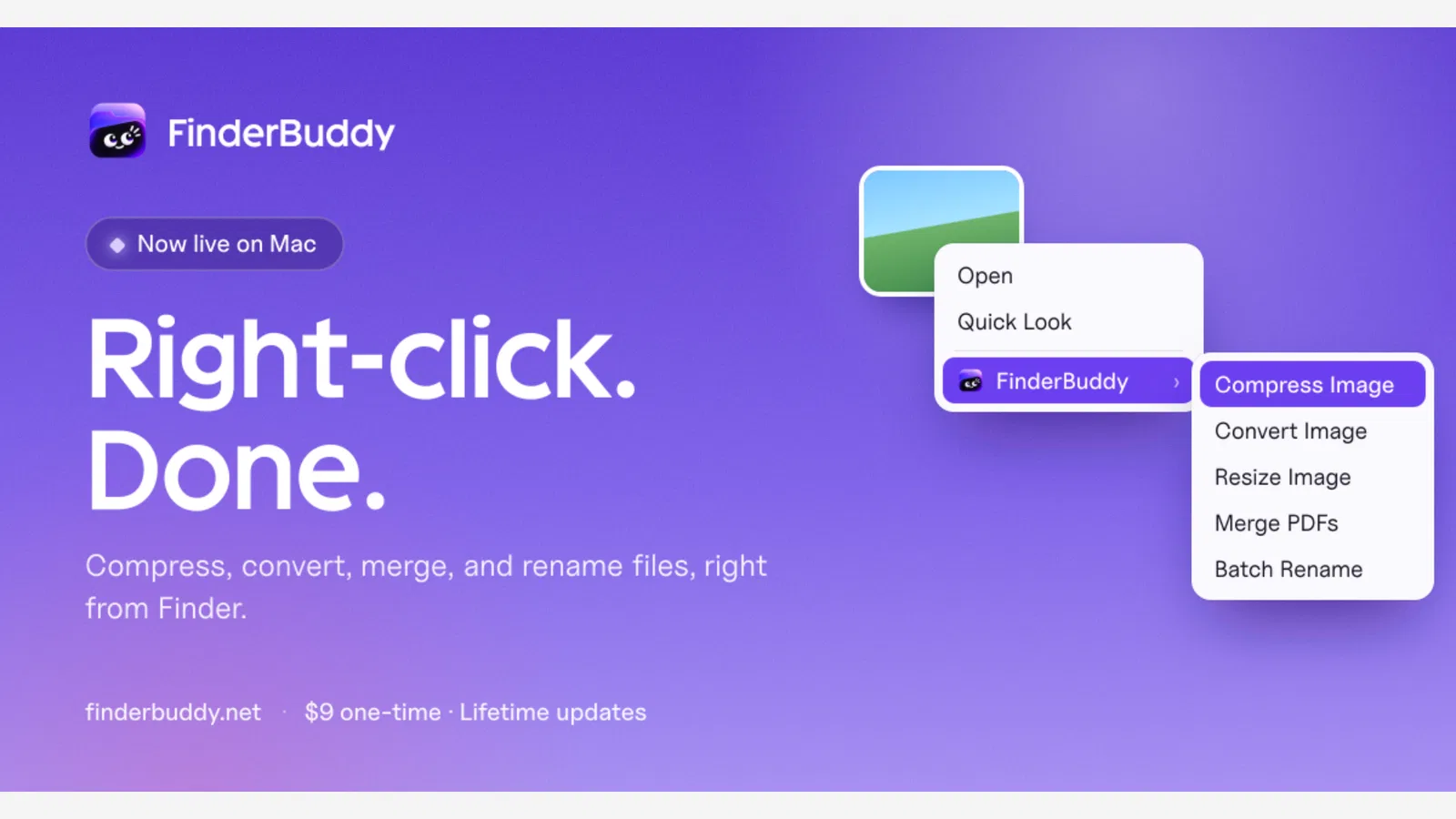
FinderBuddy is a native macOS app that adds everyday file tools to the Finder right-click menu. It is for Mac users who are tired of uploading files to random websites just to shrink a photo or merge two PDFs. Select one file or a hundred, right-click, and pick an action: compress or resize images, convert between JPG, PNG, WebP and HEIC, merge, split, compress, sign and protect PDFs, batch rename with patterns, zip and unzip, compress video or convert audio. Results are saved next to the originals. Every file is processed locally on your Mac, nothing is uploaded and there is no account. A one-time purchase covers 3 Macs and every future update. Needs macOS 14 or later on Apple Silicon.
What FinderBuddy does
- Image tools: Compress, resize and convert JPG, PNG, WebP and HEIC in one click
- PDF tools: Merge, split, compress, rotate, sign and protect PDFs offline
- Batch rename: Rename hundreds of files with patterns, numbering and dates
- Media tools: Compress video, extract MP3 audio and convert audio formats
- Private by design: Every file is processed on your Mac and never uploaded
Who it's for
Mac users, designers, freelancers and anyone who handles images, PDFs and media files every day
Why people use FinderBuddy
Small file jobs like shrinking a photo or merging PDFs mean uploading private files to websites or opening heavy apps.
Right-click any file in Finder and pick an action. FinderBuddy processes it locally and saves the result next to the original.
Dozens of image, PDF, file and media tools in one native Finder menu, fully offline, with a one-time price and no account.
Pricing
FinderBuddy is a paid product. Its website has the current prices.
Platforms
FinderBuddy runs on macOS.
FinderBuddy launched on IndieLaunch on November 2, 2026 in Developer Tools, Productivity, Security & Privacy. Visit FinderBuddy
New to these terms? Read what SaaS and Customer lifetime value mean.
FinderBuddy alternatives
 HaptikerVolume, brightness and keyboard light on your trackpad edges
 SundownA Mac menu bar app that warms and dims your screen on a schedule you set.
 KyvenzaRun Windows 11, macOS and Linux VMs on Apple Silicon
 Legadro ScreenLive-wallpaper new tab with notes, reminders and weather
 LaunchReadyKitLaunch-readiness audit kit for web apps running in Claude Code
Discussion(0)
Sign in to leave feedback for the maker.
Log inNo comments yet
Be the first to give the maker feedback.